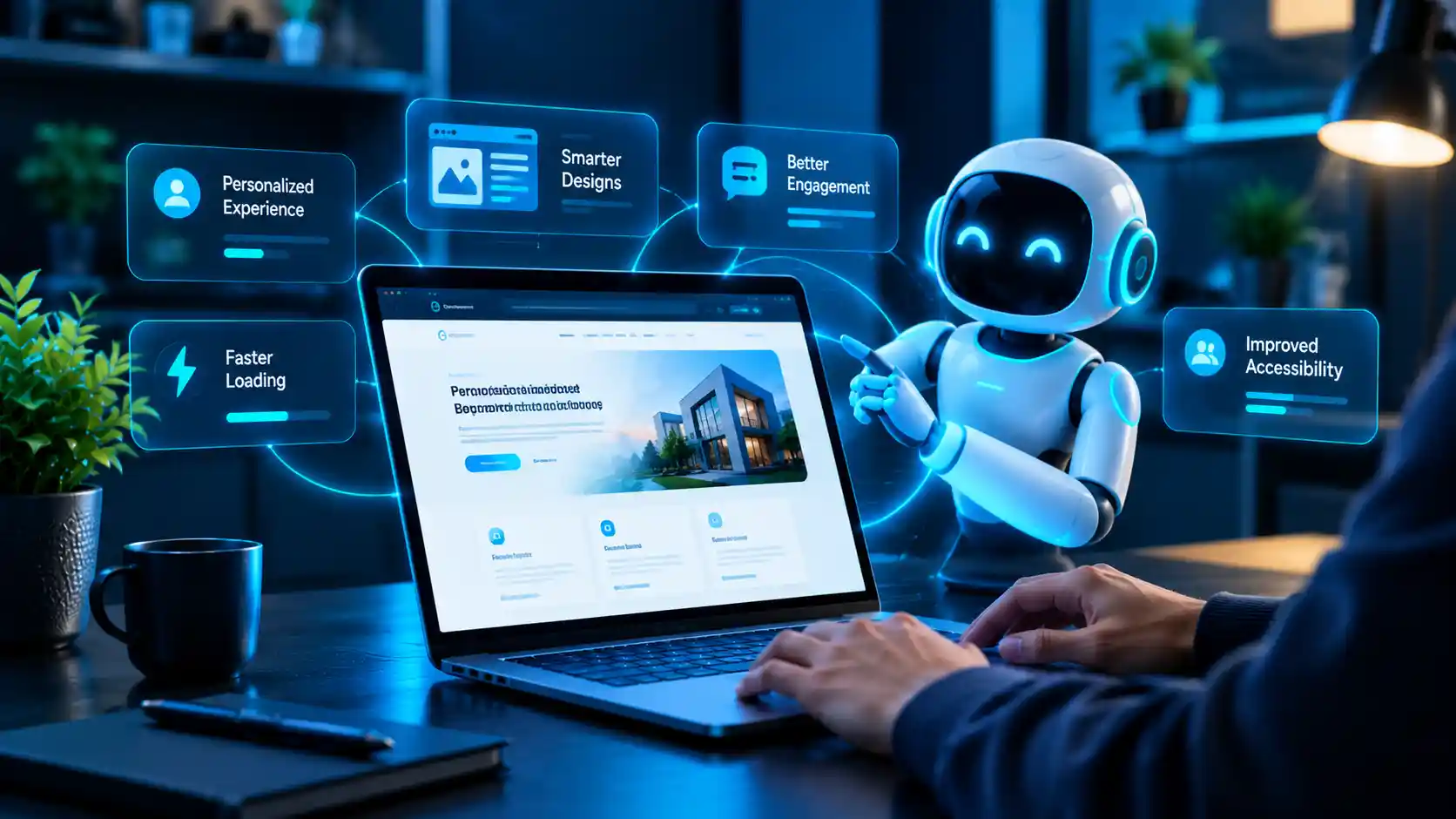
How AI is Revolutionizing Web Design in 2026 (And What It Means for Your Business)
Understanding how AI improves user experience in web design has become essential for anyone building or managing a website in 2026. What used to be manual guesswork — layout decisions, content placement, load time fixes — is now informed by real-time data and automated tools that adapt to how visitors actually behave.
This shift isn’t about replacing designers. It’s about giving businesses faster, smarter ways to build websites that actually work for the people using them.
Why AI Matters for Modern Web Design
Websites today compete on speed, relevance, and ease of use. Visitors decide within seconds whether to stay or leave, and that decision is shaped by how well a site responds to their needs.
AI-driven design tools analyze visitor behavior, test variations automatically, and surface patterns a human team might take weeks to notice manually. That’s a big part of how AI improves user experience in web design: it closes the gap between launching a site and actually understanding how people use it.
7 Ways AI Is Changing Web Design
1. Personalized Content and Layouts
AI tools can adjust what a visitor sees based on their behavior, location, or past interactions. A returning customer might see different product recommendations than a first-time visitor, all without manual configuration.
2. Smarter, Faster Website Builders
AI-assisted builders can generate layout suggestions, color palettes, and content structures based on a business’s industry and goals. This speeds up the early design phase significantly, especially for smaller projects with tight timelines.
3. Automated Accessibility Checks
AI tools now scan designs for accessibility issues, flagging low color contrast, missing alt text, or confusing navigation patterns before a site goes live. This directly supports how AI improves user experience in web design for visitors using screen readers or other assistive technology.
4. Predictive User Behavior Analysis
Instead of waiting weeks for analytics reports, AI tools can flag friction points in near real time, such as a checkout step where visitors frequently drop off. Designers can then test fixes faster.
5. Chatbots and Conversational Interfaces
Well-designed AI chat assistants reduce friction for visitors who have quick questions, cutting down on page-hopping and support delays. Poorly designed ones do the opposite, so implementation quality matters more than the feature itself.
6. AI-Powered Image and Content Optimization
AI tools can automatically compress images, suggest better alt text, and recommend content adjustments for readability, all of which affect both user experience and search visibility.
7. Continuous Design Testing
Rather than running one A/B test at a time, AI systems can test multiple design variations simultaneously and recommend the best-performing version based on real user data.
What This Means for Your Business
You don’t need to overhaul your entire site to benefit from these changes. Start with the areas that affect visitors most directly:
Page speed and load times
Mobile responsiveness
Navigation clarity
Accessibility compliance
According to Nielsen Norman Group, AI works best as a support tool that assists existing workflows rather than replacing the judgment and strategy a skilled designer brings. That’s a useful way to think about adopting it: as an accelerator, not a substitute for good design decisions.
Common Mistakes Businesses Make With AI in Web Design
AI tools are powerful, but they’re not foolproof. Common pitfalls include:
Over-automating personalization, which can feel invasive rather than helpful.
Ignoring accessibility warnings flagged by AI tools instead of acting on them.
Relying entirely on AI-generated layouts without reviewing them for brand consistency.
Skipping human testing, since AI can miss context that real users catch immediately.
Treat AI output as a starting point, not a final answer.
Measuring Whether AI Is Actually Helping
It’s easy to adopt a new tool and assume it’s working. Track real indicators instead:
- Changes in bounce rate and time on page
- Core Web Vitals scores before and after implementation
- Conversion rate on key pages
- Accessibility audit results
If none of these improve, the issue usually isn’t AI itself. It’s how you implement the tool.
Getting Started With AI-Enhanced Web Design
If you’re considering AI tools for your website, start small:
- Pick one area, like accessibility checks or page speed, rather than trying to overhaul everything at once.
- Test changes on a staging site before pushing them live.
- Review AI suggestions critically rather than accepting them automatically.
- Measure results over a few weeks before expanding to other areas.
Working with an experienced partner can make this transition smoother. If you’d rather not manage the technical side yourself, professional web design and development services can help implement these improvements correctly from the start.
How AI Improves User Experience in Web Design for Mobile Users
Mobile visitors behave differently than desktop users, and this is one of the clearest places where AI improves user experience in web design. AI tools can detect device type, screen size, and connection speed, then adjust image quality, layout spacing, and navigation menus automatically for smoother mobile browsing.
This matters because a design that works well on desktop often breaks down on smaller screens. AI-assisted responsive testing catches these issues early, flagging elements like oversized buttons, overlapping text, or slow-loading sections before visitors ever encounter them.
The Long-Term Value of AI in Web Design
Businesses that invest in understanding how AI improves user experience in web design early tend to adapt faster as the technology matures. Rather than treating AI as a one-time upgrade, it works best as an ongoing part of the design and maintenance process.
Over time, this means:
- Fewer manual audits, since AI continuously flags usability and accessibility issues
- Faster design iterations, based on real visitor data instead of assumptions
- A site that evolves alongside user expectations, rather than requiring periodic overhauls
Treated this way, AI becomes less of a one-off tool and more of a long-term advantage for how your website performs and feels to the people using it.
Conclusion
AI isn’t replacing web design; it’s reshaping how it gets done. From personalization to accessibility to continuous testing, understanding how AI improves user experience in web design gives businesses a practical edge heading into 2026.
The businesses that benefit most won’t be the ones chasing every new AI feature. They’ll be the ones that use these tools thoughtfully, test what actually works, and keep real users at the center of every decision.